Contents
You Notice Programs You Never Downloaded
If you’ve ever noticed strange programs installed on your computer that you don’t remember downloading, it’s a sign that your machine has been hacked. These programs, known as “malware,” are designed to damage or disrupt your system somehow. They can cause serious problems like crashing your computer, stealing your personal information, or even allowing someone to control your machine remotely.
Noticing these programs is the first step in dealing with a hack. Once you know your computer has been compromised, you can take steps to remove the malware and secure your system from future attacks. If you don’t take action, the damage caused by the malware could become irreversible. So if you see something suspicious on your computer, don’t ignore it—take steps to clean up your machine and protect yourself from further harm.
Your Mouse Starts Controlling Itself
If you’ve ever noticed your mouse moving on its own, it’s a strong sign that your computer has been hacked. Hackers can gain control of your mouse in several ways, including installing malware or using a remote desktop protocol (RDP). Once they have control of your mouse, they can use it to click on things, open files, and even type out messages. This can be extremely annoying, and it can also lead to serious security breaches.
If you notice your mouse behaving oddly, it’s important to take action immediately. First, check for any suspicious programs or files that may have been installed recently, and run a virus scan to ensure your computer is free from malware. If you’re still having problems, it’s best to contact a professional for help. Don’t take chances with your security – if your mouse is acting up, it’s time to take action.
Your Online Passwords Are No Longer Working
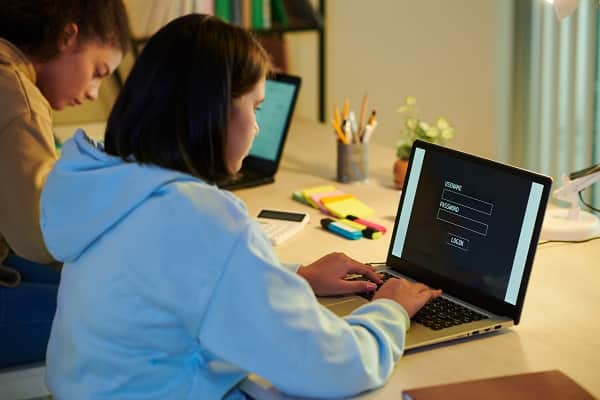
If you’ve been using the same password for years, it might be time for a change. Many people have recently found that their online passwords are no longer working. This is often a sign that their computer has been hacked. Hackers can easily access your personal information if they know your password. They may then use this information to steal your identity or commit fraud.
If you suspect your computer has been hacked, changing your password immediately and running a virus scan is important. You should also notify your bank and any other companies that have your personal information on file. Taking these steps will help to protect you from identity theft and different types of fraud.
You Are Constantly Getting Pop-Ups
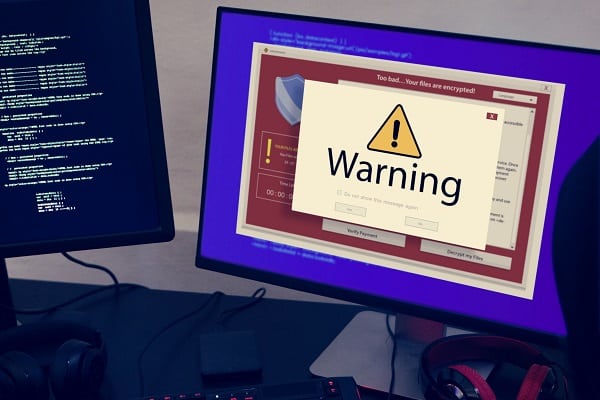
If you’ve been noticing a lot of pop-ups lately, it is probably a sign of some suspicious activity on your computer. Pop-ups are usually caused by adware or spyware, which are programs installed without your knowledge to track your web browsing activity or display ads. These programs can be installed by visiting an infected website or by opening a malicious email attachment.
Once installed, they can be difficult to remove and cause many problems, including slowing down your computer and causing unwanted redirects. If you suspect your computer has been infected with adware or spyware, it’s important to run a virus scan as soon as possible. You should also avoid clicking on any pop-ups, as this could install more unwanted programs on your computer. Taking these precautions can help protect your computer from being hacked.
Don’t Ignore The Signs That Your Computer Has Been Hacked!
If you’ve noticed any of these signs on your computer, it’s important to take action immediately. Hackers can cause much damage if they gain access to your machine, so it’s important to be vigilant and take steps to protect yourself. Remember, if you suspect your computer has been hacked, the best course is to run a virus scan and change your passwords.
Don’t take chances with your security – if you think your computer has been compromised, it’s time to take action. And if you ever need extra help, don’t hesitate to contact a professional. They can help you to clean up your machine and to protect yourself from further harm.