The Site Is Poorly Designed

Poor website design is often one of the first signs that a website is not legitimate. A few key things to look for can indicate that a website is not worth your trust. First, take a look at the overall design of the site. Is it professional-looking? Does it use stock photos or generic images? If so, this is a red flag.
Another thing to look for is spelling and grammar errors. A website full of errors is likely not run by someone who is particularly detail-oriented, which can be a sign that the site is unreliable. Finally, pay attention to the URL. Is it a strange mix of letters and numbers? Does it use odd domain extensions?
If so, these are also warning signs that a website may not be legitimate. You can help protect yourself from falling victim to fake websites by keeping an eye out for these red flags.
Look For The Lock Next To The URL
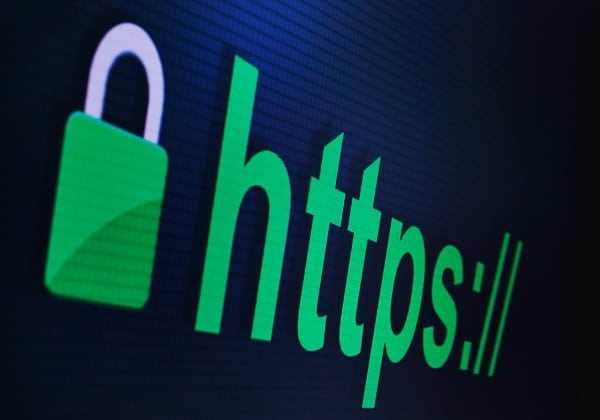
When you’re browsing the web, it’s crucial to be able to spot a fake website. One of the most important things to look for is the lock next to the URL. This lock indicates that the website is secure and that your information will be encrypted when you enter it.
If you don’t see a lock, that’s a red flag that the website might not be legitimate. Web browsers will often warn you next to the URL to let you know that the site might not be safe.
Look For Contact Info On The Site

One of the easiest ways to spot a fake website is to look for contact information. A legitimate website will typically have an easily accessible way to contact the company, whether it be a customer service phone number, email address, or mailing address. If you can’t find any contact information, or if the listed contact information appears fake, that’s a red flag that the website may not be legitimate.