Contents
Picture Mode
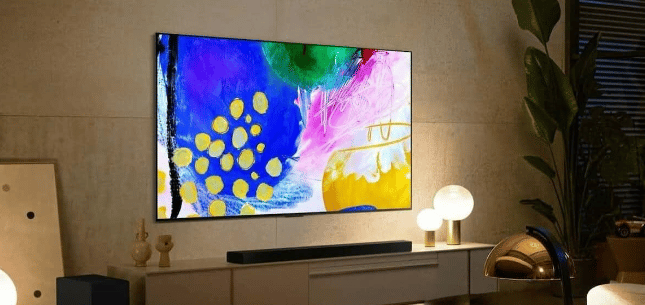
Picture mode is a setting that allows you to choose how your TV displays pictures. The options available vary depending on your TV model, but they typically include choices such as “Standard,” “Dynamic,” and “Movie.” Standard is the default setting for most TVs and usually produces the best picture quality. However, if the picture looks too bright or washed out, you may want to try changing to the Dynamic setting.
This will make the colors pop more and make the picture look a bit artificial. If you’re watching a movie or TV show that’s particularly dark, you may want to try the Movie setting, which will produce a deeper black level. But depending on your TV, this setting may also make the picture look too dark. As with many settings, it’s best to experiment until you find the mode that looks best for your specific viewing needs.
Sound Settings

The human ear is a sensitive instrument, and even small changes in sound can greatly impact the viewing experience. For example, increasing the treble can make voices sound sharper while increasing the bass can make action scenes more immersive. Of course, everyone’s preferences are different, so it’s important to experiment with the sound settings on your TV until you find a balance that you’re happy with.
Generally, it’s best to start with the default settings and then make small adjustments until you find something that sounds good. Then, with a little trial and error, you’ll be able to find the perfect sound setting for your TV.
Motion Smoothing
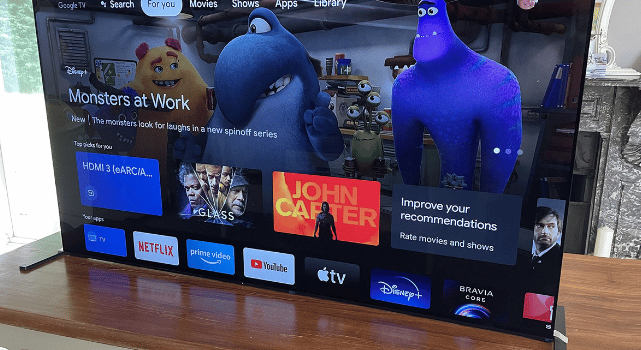
Most TVs now come with a motion smoothing feature that is designed to reduce blur and improve the clarity of fast-moving images. However, this feature can have the opposite effect, making images look unnatural and distorted. In addition, motion smoothing can introduce artifacts and stuttering, especially when watching movies or TV shows with complex camera movements.
Thankfully, it’s usually easy to disable motion smoothing on your TV. Simply go into the menu and look for the setting labeled “Motion smoothing” or “refresh rate.” Once you’ve found it, set it to “off” and enjoy your content the way it was meant to be seen.
Sharpness

In today’s world, it’s important to have a sharp television. A sharp television can help you see the details of what you’re watching, whether it’s a movie or a game. It can also help you stay alert and focused while watching. However, there are a few things to consider when choosing the right television setting. One is the size of your television. The larger the television, the sharper the setting should be. Another is the distance between you and the television. The closer you are to the television, the sharper the setting should be.
And the last thing to consider is the content you’re watching. If you’re watching something that requires a lot of detail, such as a documentary or a nature show, you’ll need a sharper setting than if you’re just watching a sitcom or a movie. Considering these factors, you can ensure that you have the best possible viewing experience.
You Need To Change These TV Settings!
There are many TV settings that can have a significant impact on your viewing experience. From picture mode to sound settings to motion smoothing and sharpness, it’s important to take the time to experiment and find the settings that work best for you and your unique situation. Your entertainment will thank you for it. And if you are having trouble finding the right settings, don’t hesitate to consult the manual or contact a professional for assistance!



