Contents
Updating and Managing Multiple Passwords
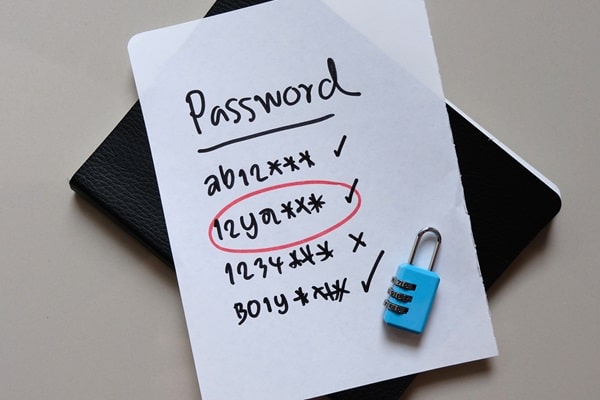
Regularly updating your passwords is a crucial practice in maintaining online security. If a data breach occurs, frequently changed passwords limit the time hackers have to exploit the stolen information. Moreover, different accounts should have unique passwords to prevent a single breach from compromising all of your digital accounts. It’s advisable to change your passwords every three to six months, depending on the sensitivity of the information.
Managing multiple strong passwords without a manager can seem daunting, but keeping a secure, encrypted digital note or using a physical password notebook stored in a safe place can be effective alternatives. Another method is to develop a personal algorithm for creating passwords that vary slightly between accounts. This way, even if one password is compromised, it doesn’t put your other accounts at immediate risk, as each password incorporates a unique element that isn’t easily deducible.
Utilizing Two-Factor Authentication

Adding two-factor authentication (2FA) provides an extra layer of security, significantly enhancing the protection of your accounts. Even if someone discovers your password, they would still need a second form of verification—usually a text message, a phone call, or an authentication app code—to access your account. 2FA acts as a robust barrier against unauthorized access, as the additional required information is something only you should have.
It is highly recommended to enable 2FA on all platforms that offer it, especially those involving sensitive personal data such as bank accounts, email, and social media profiles. By integrating 2FA, you can safeguard your accounts even if your password is somehow compromised. This dual-layer of security is simple to set up and serves as an invaluable defense mechanism, ensuring peace of mind in the digital world.
Educating Yourself About Phishing and Security Threats

Understanding and recognizing phishing tactics is a crucial skill for maintaining password security. Phishing attempts often come in the form of seemingly legitimate emails, messages, or websites that aim to trick you into entering your password and other sensitive information. These fraudulent communications are designed to appear as if they are from trusted sources, such as your bank or a familiar online service. By educating yourself about these methods, you can better identify suspicious activities and avoid falling victim to such scams.
One effective way to guard against phishing is to always verify the source before entering any personal information. Be wary of messages that request urgent action, such as claiming your account will be locked unless you update your password immediately. Always navigate to the official website by typing the URL directly into your browser rather than clicking on links in emails or messages. Regularly updating your software and using antivirus programs can also help protect your devices from phishing attacks and other security threats.
Securing Your Digital Footprint
Strengthening your password security is a fundamental aspect of safeguarding your online identity. By understanding the principles of strong passwords, avoiding common pitfalls, regularly updating your credentials, and employing two-factor authentication, you can dramatically enhance your digital security. Additionally, staying informed about phishing schemes and other cyber threats is vital. Remember, the strength of your password can determine the robustness of your defense against potential breaches, ensuring that your private information remains protected.