Contents
Disable Unnecessary Background Apps

When your laptop is running, many applications are likely running in the background without your knowledge. These apps may be essential for keeping certain programs up and running, but they can also slow down your device if there are too many of them. To keep your laptop running optimally, you can disable any unnecessary programs that may be running behind the scenes.
In Windows, head to the “Task Manager,” select a program from the list of currently running applications, and press the “End Task” button. This will close out the program and free up resources for other tasks. You should also go into your device’s settings and disable any apps that automatically launch on startup.
Add More RAM
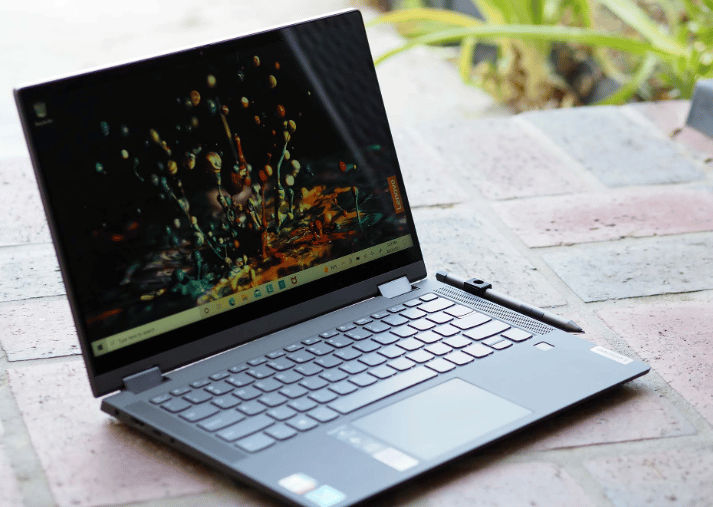
RAM stands for “random access memory,” and it’s one of the most critical parts of your laptop. If you’re constantly running out of memory or struggling with performance issues, a lack of RAM could be the issue. To upgrade it, you will need to purchase more RAM sticks and then open up your laptop’s memory slots, which requires a small screwdriver.
Once you install the new RAM, you can head to the Windows “Task Manager” to check how much additional RAM is available. You should see a notable improvement in performance after doing this, as it will give your machine more resources to work with.
Defragment Your Hard Drive
The final step worth taking when trying to speed up your laptop is defragmenting it’s hard drive. This process helps rearrange data stored on the hard drive, making accessing information easier for the device. To do this, open the “Start” menu, type in “Defragment and Optimize Drives,” and press enter. Then, select the drive you want to optimize and let the program run.
This process can take a while, so make sure you leave your device running until it’s finished. Once completed, you should find it easier to do things like boot up your machine, switch between programs, and open large files.
Follow These Steps To Speed Up Your Aging Laptop!
There are many ways to speed up your aging laptop, but the best methods involve optimizing existing hardware and freeing up resources. From uninstalling unnecessary programs to adding extra RAM and defragmenting your hard drive, these steps can help keep your laptop running optimally. With just a few simple changes, you’ll be able to enjoy faster speeds and better performance from your device. So why wait? Follow these steps today and start experiencing the benefits right away!



