Customize Different Vibration Patterns For Contacts
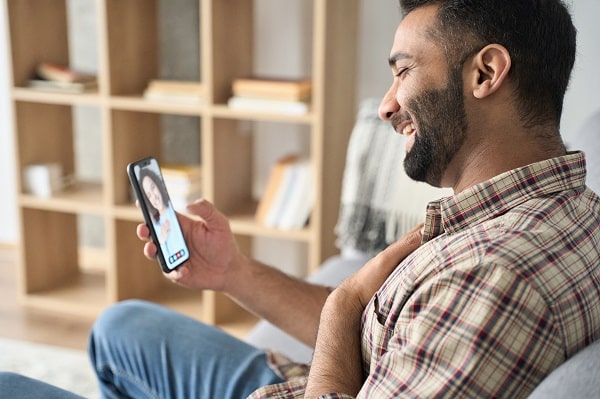
We all know that our smartphones are capable of so much more than just making calls and sending texts. But did you know that you can customize different vibration patterns for your contacts? Which is a great way to help you keep track of who’s calling, even when your phone is in your pocket.
Here’s how it works: first, open up your contacts list and find the entry for the person you want to set a unique vibration pattern. Then, tap the “edit” button and scroll down to the “vibrate” option. You can choose from various pre-set vibration patterns or create your custom pattern, which is a great way to ensure you never miss an important call, even if your phone is on silent mode. So next time your phone starts buzzing, take a second to check and see who’s calling – it could be someone important!
Let Your Phone Read For You

Today’s smartphones are more than just devices for making calls and checking email. They’re powerful tools that help us stay connected, organized, and productive. However, with so many features and apps available, it can be easy to overlook some of the most useful ones. For example, did you know your smartphone could read aloud any text you highlight? Which can be extremely helpful when trying to multitask or want to rest your eyes.
To enable this feature on an iPhone, go to Settings > Accessibility > Spoken Content and toggle on “Speak Selection.” On Android, open the Google Play Store and search for “text-to-speech” to find various compatible apps. Once you’ve installed one, open any app that contains text (such as a web browser or ebook reader) and select the text you want to have read aloud. Then tap the share button and choose your text-to-speech app from the list of options. Now sit back, relax, and let your phone do the talking!
Remove Lock Screen When You’re Home

One of the best features of smartphones is that they allow us to stay connected with our loved ones no matter where we are. But sometimes, all that connectivity can be a bit overwhelming. If you’re looking for a way to simplify your life and reduce your time staring at your screen, consider removing your lock screen at home. That way, you can still receive calls and texts from your family and friends, but you won’t be bombarded with notifications every time you turn on your phone.
And if you’re worried about security, don’t worry – there are plenty of other ways to keep your device safe when you’re not using it. So go ahead and give yourself a break from your lock screen – you might be surprised at how much more enjoyable your smartphone experience can be.



