Do you ever feel like your home’s WiFi network has too many dead zones, drops the signal randomly, and is generally unreliable? If so, you’re not alone. Slow internet speeds and spotty WiFi are incredibly frustrating, especially for those relying on technology to do things efficiently. And if you’ve tried to fix it with little success, don’t worry – there’s still hope! In this post, you will find some easy-to-follow steps that will help you optimize your home’s WiFi network in no time! No more buffering or lags – let’s dive into how to make a reliable WiFi connection that keeps everyone connected.
Common Issues With A WiFi Network

WiFi networks can be incredibly convenient, connecting various devices in the home or office, no matter their location. But convenience can sometimes have drawbacks, as common issues with a WiFi network may arise due to its complexities. Misconfigured routers, outdated hardware, and poor signal strength are some of the most common problems users may experience. Devices that are within the distance range from the router may suffer from intermittent connection drops or slow internet speeds.
Furthermore, those that use the same WiFi login credentials for multiple devices may also experience issues due to overcrowding on the wireless band. These problems can all be addressed and rectified through certain solutions.
Tips To Optimize Your Home’s WiFi Network
If you’re struggling with WiFi issues in your home, don’t fret – there are some simple steps that you can take to improve its stability and connection quality. Here are a few tips to get started on optimizing your home’s WiFi network:
Choose the Right Router
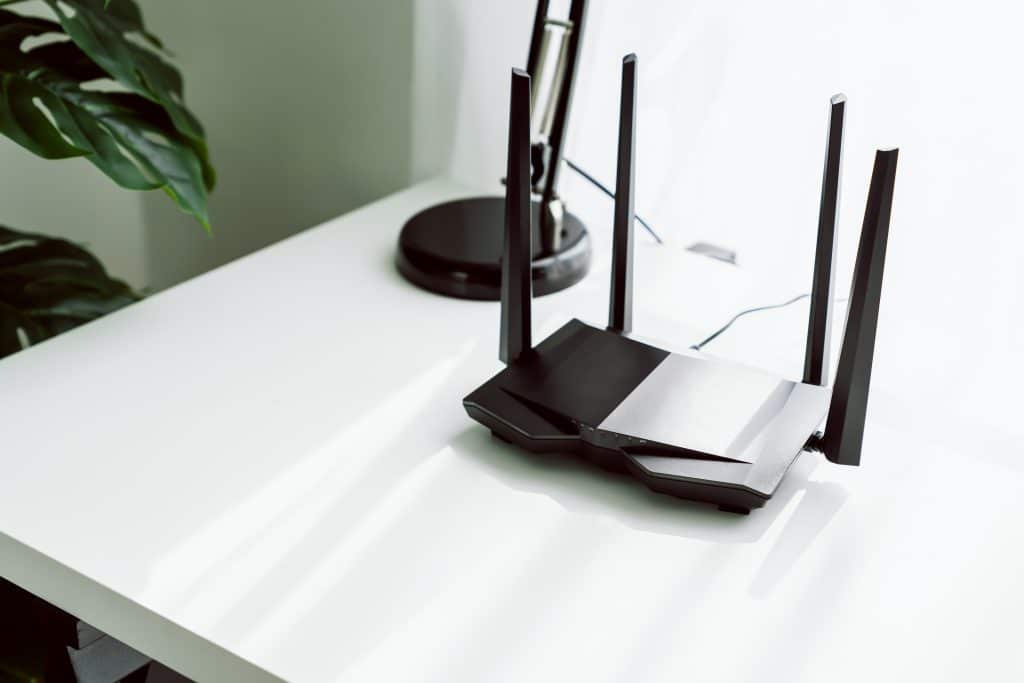
The first step in optimizing your home’s WiFi network is to choose the right router. The router is the device that connects all of your devices to the internet, so it is essential to choose one that is powerful enough to handle your needs. When choosing a router, look for one that supports the latest WiFi standards, such as 802.11ac or 802.11ax.
These standards offer faster speeds and better coverage than older standards like 802.11n. Additionally, look for a router with multiple antennas, as this can improve the range and speed of your WiFi network.