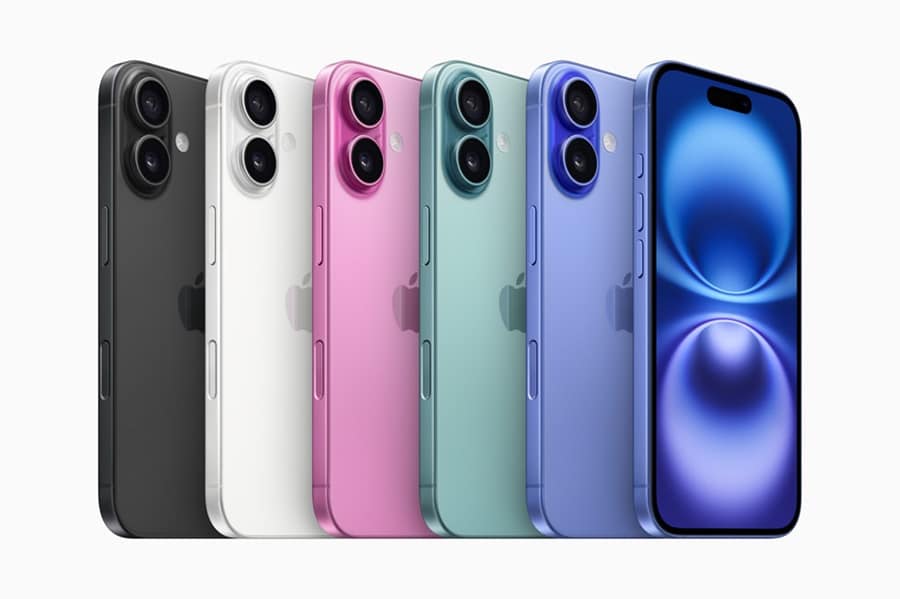
iPhones are known for their sleek performance, but over time, they can start to lag and feel sluggish. Whether it’s due to running multiple apps, outdated software, or too many cached files, a slow iPhone can be frustrating. Fortunately, you don’t need to take drastic measures like resetting your device or upgrading to the latest model to speed it up. With a few simple and quick tweaks, you can improve your iPhone’s performance in just minutes. In this article, we’ll guide you through some easy steps to make your iPhone run faster and more efficiently without needing technical expertise.
Clear Cache and Unnecessary Files
Over time, your iPhone accumulates a variety of cache and temporary files that can slow down its performance. Apps and websites create these files to store data, but they take up valuable storage space and can affect system speed. The first step in speeding up your device is to clear these files regularly. You can do this by going to Settings > Safari and selecting “Clear History and Website Data.” This action helps free up storage and remove accumulated junk that may be causing your phone to lag.
Additionally, many apps store data that may not be necessary for everyday use. An app with a lot of cached data can negatively impact your phone’s performance. By going to Settings > General > iPhone Storage, you can identify apps that take up too much space and decide whether to delete or offload them. This will help improve your phone’s speed and make room for important apps or files. Regularly cleaning up your storage can help maintain the smooth operation of your device.
Update iOS and Apps Regularly

Keeping your iPhone’s operating system up to date is crucial for maintaining its speed and functionality. Apple regularly releases iOS updates, including bug fixes, performance improvements, and security patches. To check for updates, go to Settings > General > Software Update and install any available updates. These updates are designed to enhance the performance of your iPhone, fix known issues, and ensure compatibility with the latest apps and features.
Updating your apps is just as important as updating iOS. App developers release updates to fix bugs, improve features, and boost performance. To keep your apps running smoothly, go to the App Store and check for updates regularly. Enabling automatic updates is a great way to ensure you don’t miss out on important app improvements. Keeping your iPhone’s system and apps updated is one of the easiest and most effective ways to enhance speed and avoid slowdowns.