If you’re like most people, your phone is one of your most essential possessions. It is easy to make a mistake and end up with a waterlogged phone. Suddenly, all of your necessary data is at risk of losing forever. Whether you dropped it in the toilet, left it outside in the rain, or got some water on while cooking dinner, this article will provide tips to fix a waterlogged phone.
Contents
The Damage Water Can Do To A Phone
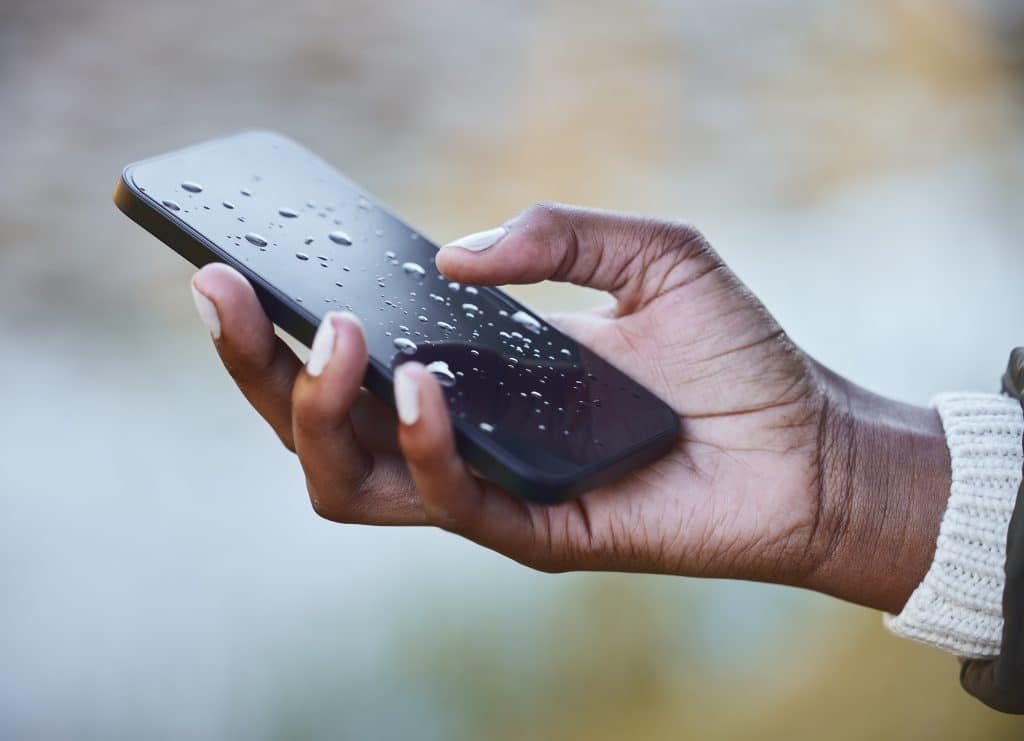
Most people know that water and electronics don’t mix. But they need not realize just how much damage water can do to a phone. When water seeps into a phone, it can cause the metal components to rust and the circuitry to short out. This can prevent the phone from charging properly, make it difficult to make calls or use apps, and render the phone completely unusable in some cases.
Water damage can also lead to mold growth, which can further damage the phone and pose a health hazard. Taking precautions to protect your phone from water damage is essential. For example, you should never leave your phone near a sink or toilet or anywhere where it could come into contact with water.
Tips To Fix A Waterlogged Phone
If you have a waterlogged phone, feel free to take your time and get a new one. There are tips you can use to try and salvage your phone and potentially repair the damage caused by water. Here are a few to remember:
Turn It Off As Soon As You Can

If you’ve ever dropped your phone in water, you know the sinking feeling that comes with it. Whether it’s a puddle, toilet, or ocean, water and phones don’t mix. If your phone does take a dip, there are a few things you can do to try and salvage it. But the most important thing is to turn it off as soon as possible.
Water can cause havoc on a phone’s delicate circuitry. The longer it stays on, the greater chance of irreparable damage. So as soon as you can, power down your device. It also prevents apps from running that could cause further damage.
Pull Out The Battery And Any Other Components

If your phone has been exposed to water, it’s essential to take it apart as soon as possible and remove the battery. If water gets into the phone, it could short-circuit the battery and damage it. It’s also essential to remove any other components that could be damaged by water, such as the SIM card. Things like headphones and charging cables should also be removed to prevent further damage.
This step may be tricky if you have an iPhone, as Apple has made it difficult for users to access the phone’s components. However, there are available kits that can help disassemble an iPhone in the event of water damage.



