Contents
Keep Your Apps Up To Date
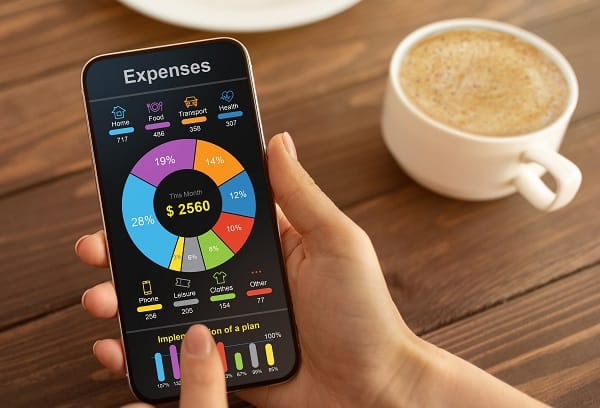
Another way to help extend your smartphone’s battery life is to keep your apps up to date. Newer versions of apps often include performance improvements and bug fixes that can help improve battery life. Furthermore, app developers are constantly working on new ways to optimize their products for battery efficiency. By keeping your apps up to date, you can help ensure that your phone runs as efficiently as possible.
Additionally, it’s a good idea to periodically check for app updates even if you’re not experiencing any battery issues. This way, you can help prevent potential problems down the line. So if you want to keep your phone’s battery in tip-top shape, stay on top of those app updates.
Close Apps That Run In The Background

It’s no secret that cell phone batteries don’t last as long as they used to. In fact, it seems like every year, phone manufacturers release new models with larger batteries and more powerful processors. And while this is great news for power users, it doesn’t do much for those who are trying to eke out a full day of use on a single charge. One way to help extend your battery life is to close apps that run in the background.
When you’re not using an app, it doesn’t need to be open and running; by closing it, you can help preserve your battery power. This is especially true of apps that use GPS or other location services, as they can quickly drain your battery. So next time you want to save some power, take a moment to close any apps you’re not using. It just might help extend your phone’s battery life.
Reduce The Time For Auto-Lock
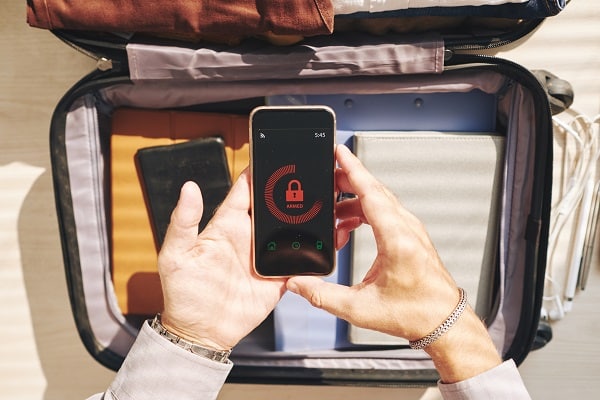
While it may not seem like it would matter that much, reducing the time for auto-lock is another way to help extend your battery life. Auto-lock is the setting that determines how long it takes for your phone to lock itself after you’ve been inactive. By reducing the time for auto-lock, you can help minimize the power your phone uses when you’re not using it.
To do this, go to your phone’s settings menu and look for the auto-lock option. From there, you can choose the amount of time you’d like your phone to wait before locking itself. Depending on your phone and your preferences, you may want to set it for 30 seconds or five minutes. Either way, reducing the time for auto-lock is a quick and easy way to help extend your battery life.
Utilize Power Save Mode

If you find yourself running low on battery power, you can do a few things to help extend your phone’s battery life. One simple step is to put your phone into power save mode. This mode can help to reduce your phone’s energy consumption by limiting background processes and disabling features like Bluetooth and GPS.
As a result, utilizing power save mode can be a helpful way to extend your phone’s battery life. Of course, this only works if you’re able to put up with a few inconveniences, like not being able to use certain features or having a dimmer screen. But if you’re in a bind and need to save some power, power save mode can be a lifesaver.
Use These Tips To Extend Your Phone Battery Life!
There are several ways to help extend your phone’s battery life. Using one or all of these tips above, you can help improve your phone’s battery efficiency and get the most out of your device. So you no longer have to worry about your phone dying in the middle of the day. Instead, you can enjoy using your phone without worrying about running out of power!



