There is more to the iPhone than you think. Unravel with us some of the most outstanding features beneath its slim and elegant built. Have you ever tried teaching Siri how to pronounce and to use nicknames? And did you know your iPhone can help level a surface? We certainly did not. Most of us never come across these handy tricks iPhone offers because they are not as easy to discover as other visible features.
Contents
Distinctive Ringtones

You don’t need to check your mobile phone to know who’s calling when you’re busy or when your phone’s buried under stuff in your bag. Your iPhone lets you assign distinct ringtones to individuals, making it quite convenient and effortless, especially if you’re someone whom people ring up quite often. Go to the contact you wish to set a ringtone for and tap edit; here, select the ringtone you prefer and click on the ‘default,’ and that is it.
Click Pictures While Shooting A Video

You don’t have to miss a perfect photo moment because the video is rolling; you can do both. The iPhone lets you click pictures while shooting by merely clicking on the bright red button that appears beside that record button while the video rolls. This shutter button doesn’t interfere in any way with the video.
Web Browser Suffix
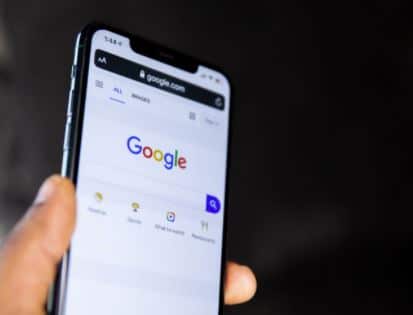
It might sound like a trick for someone extremely lazy, but we all can use it to be truthful. Why put extra effort or time typing out a web address on your web browser when one can easily add shortcuts to the website suffixes? You just need to press and hold the “.” button on your keyboard when on a web browser to get to a shortcut list—saving you the trouble typing in the same web address repeatedly.
Three-Finger Zoom
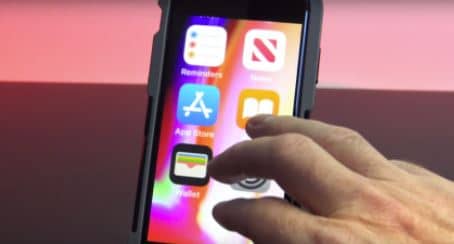
This sneaky little feature, which hides within the settings of your seamless iPhone, lets you zoom in on your screen, whether it’s a text message or a pdf, with a mere three-finger tap. This feature is disabled by default on an iPhone, but you can activate it by following these simple steps- Settings > General > Accessibility > Zoom. Furthermore, if you also start the button that says ‘ show controller,’ it will help you navigate your way around the zoomed screen, making it more convenient.
Check If A Surface Is Level
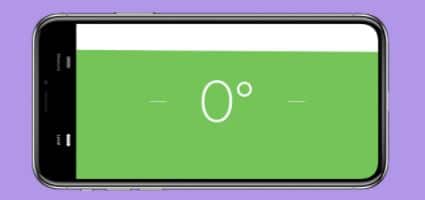
Did you know that iOS’s built-in function includes leveling? You don’t need to download another app from the app store to check if the desired surface is level. Just go to the Measure app on your iPhone and tap the ‘level’ button on the right. It works both ways – either lay your phone flat on the surface like you usually would and measure the surface level degree or in case the surface/object is too small, you can hold your iPhone in landscape or portrait orientation to measure. Maybe it’s time you display that beautiful painting and level the shelving.
Calculator
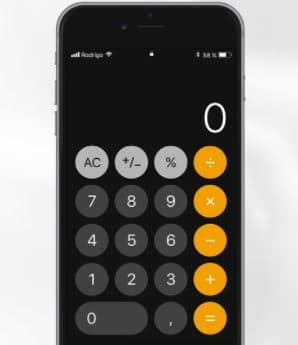
We’ve all tried to memorize a number or have written it down in fear of redoing all the calculations simply because we mistyped a digit. If you have been there too, we have good news for you. Now you don’t need to tap C or AC for a minor fault; just swiping right or left on the display panel of your iPhone’s calculator will delete the last digit you entered, acting as a backspace command. However, while we’re talking about calculators, have you ever tried tilting your phone to landscape while using it? If not, you must because the landscape view displays the extra hidden functions you see on a typical calculator.