Contents
Browser Security Settings
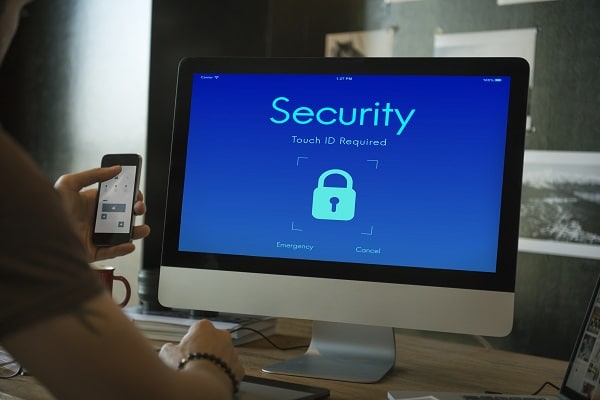
Navigating the web securely isn’t just about the tools you use; it’s also about how you configure them. Your browser comes with a range of security settings you can customize to enhance your online safety. For example, you can manage how cookies are stored, disable tracking, and block pop-ups to prevent unwanted ads or potential malware from affecting your system.
But why stop at basic settings? There are numerous browser extensions designed to take your security to the next level. Ad-blockers can prevent intrusive and potentially harmful ads from displaying, while password managers can help you maintain strong, unique passwords for all your online accounts. These extensions add an extra layer of protection that complements your browser’s built-in features.
Safe Online Behavior

Even the most advanced security software can’t protect you if you’re not practicing safe online behavior. Being cautious about the links you click and the files you download is crucial. Always verify the source of downloads, and be skeptical of email attachments or links from unknown or untrusted sources.
Safe online behavior extends to using common sense and trusting your instincts. If something feels off or too good to be true, it probably is. For example, if you receive an email claiming you’ve won a prize but asking for personal information, it’s likely a scam. Being vigilant and using common sense can often be your first and best line of defense against online threats.
Multi-Factor Authentication (MFA)

Multi-Factor Authentication, commonly known as MFA, is a security measure that requires multiple forms of verification before granting access to an account. This could be something you know (like a password), something you have (like a mobile device), or something you are (like a fingerprint). The idea is to create multiple layers of security to make it more challenging for unauthorized users to gain access.
The benefits of using MFA are substantial. Not only does it provide an added layer of security, but it also acts as a deterrent for would-be hackers. If a password is compromised, the additional verification steps can prevent unauthorized access. Enabling MFA is usually straightforward and can be done through the security settings of most online platforms.
Regular Updates And Maintenance

Keeping your software updated is like getting a regular check-up for your digital life. Software companies frequently release updates to patch vulnerabilities and improve performance. Ignoring these updates can leave you exposed to threats that could easily be avoided.
Regular maintenance extends beyond just software updates. Periodic security audits can help you identify potential vulnerabilities. This involves checking for any signs of unauthorized access, updating your passwords, and reviewing your security settings. These audits can be a proactive way to ensure you’re doing everything possible to protect yourself online.
Start Securing Your Digital Footprint Today!
You’ve now been equipped with a wealth of knowledge on secure browsing—from understanding the risks to implementing advanced security measures. The digital landscape is ever-changing, and new threats emerge daily. But with the right tools and practices, you can navigate this landscape safely and confidently. Don’t wait for a security breach to take action; the time to secure your online world is now!