In an era where smartphones are as indispensable as the air you breathe, securing these lifelines against cyber threats has escalated from a mere recommendation to an absolute necessity. The digital landscape is riddled with hazards, from data breaches and malware attacks to privacy invasions and identity theft, making the fortification of our mobile devices non-negotiable. With the plethora of security applications available, identifying the most effective ones is crucial. This post takes a look at seven essential security apps for your smartphone that offer protection from the myriad of cyber dangers, ensuring your digital well-being remains uncompromised.
Contents
PureVPN: Ultimate Online Privacy and Freedom

PureVPN stands out as a beacon of hope for users seeking to navigate the internet with anonymity and security. This app encrypts your online traffic, effectively shielding your data from hackers and surveillance. With servers sprawled across the globe, PureVPN allows you to bypass geographical restrictions, offering the freedom to access content from anywhere in the world. Its no-logs policy ensures that your online activities remain private, making it a trustworthy companion in the quest for digital privacy.
The application is designed with the user in mind, boasting a seamless interface that simplifies the process of securing your internet connection. Whether you’re using public Wi-Fi or your home network, PureVPN guarantees protection against potential cyber threats. Its robust encryption protocols are complemented by a kill switch feature, which immediately cuts your internet connection if the VPN drops, ensuring your data remains secure. This combination of features makes PureVPN an essential tool for safeguarding your online presence.
NoRoot Firewall: Fine-Grained Internet Access Control
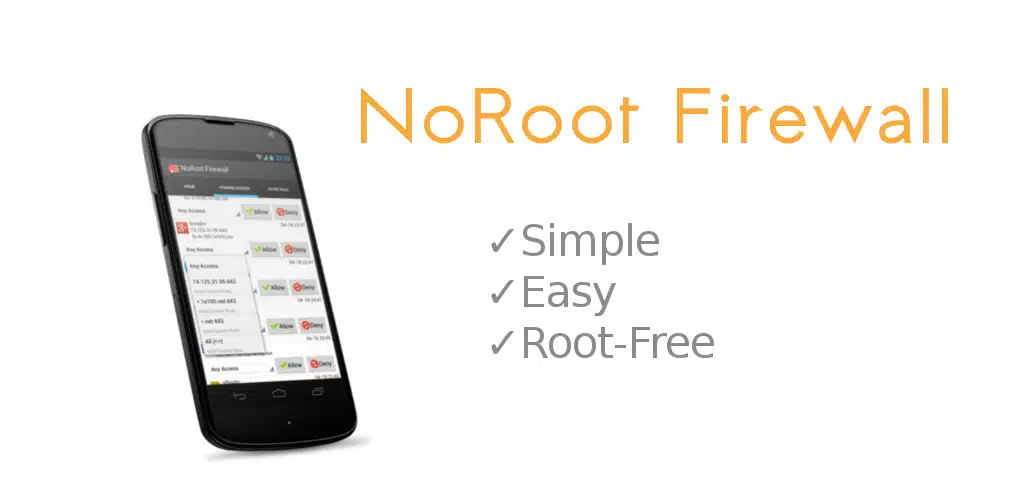
NoRoot Firewall offers a unique proposition for Android users, providing a layer of protection without the need for root access. This app monitors and controls the internet access of other applications installed on your device. By alerting you whenever an app attempts to connect to the internet, NoRoot Firewall empowers you to decide whether to allow or deny the connection, putting you in control of your data flow.
Beyond its core functionality, NoRoot Firewall stands out for its user-friendly interface and the ability to create custom rules for network traffic. This granularity allows you to specify which apps can access the internet and under what conditions, offering a tailored security solution that meets your specific needs. Whether it’s blocking background data usage or ensuring sensitive apps remain offline, NoRoot Firewall delivers comprehensive control over your device’s internet access.
Find My Device: Protecting Against Loss and Theft
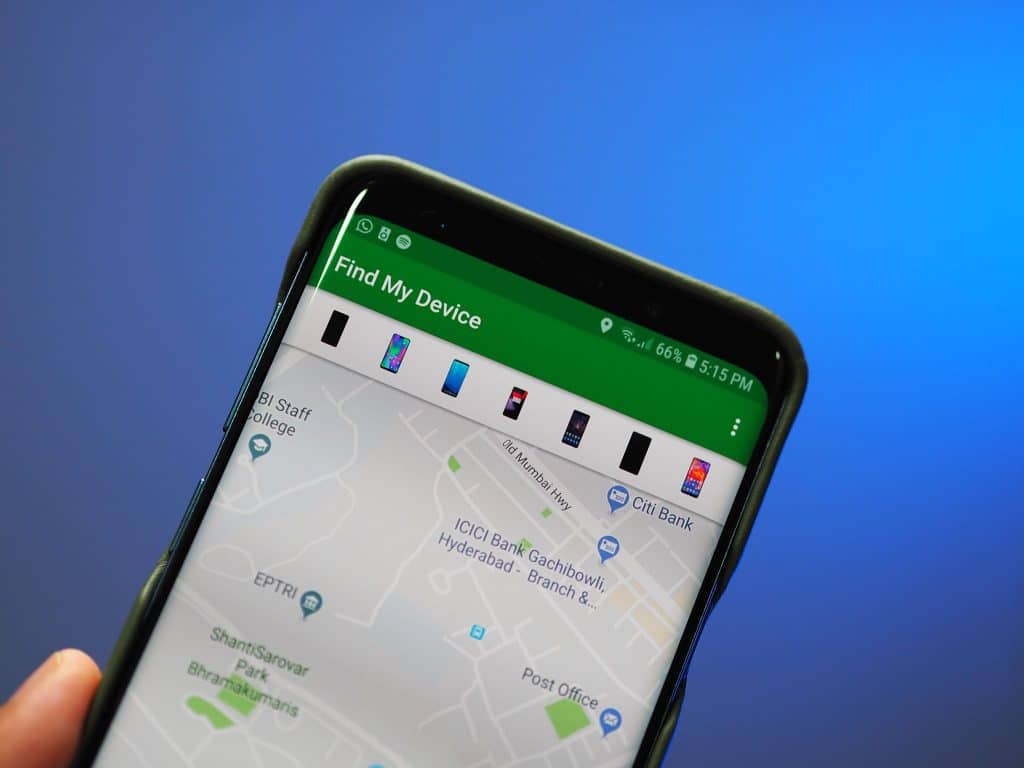
Google’s Find My Device app is an essential tool for the recovery and protection of lost or stolen Android devices. By leveraging the app, users can easily locate their device on a map, play a sound to find it if nearby, or lock and erase the device remotely to protect personal information. This functionality not only aids in the recovery of the device but also ensures that your data doesn’t fall into the wrong hands.
The app’s utility extends beyond mere location tracking. Its ability to display the device’s last known location, even if it’s currently offline, increases the chances of recovery. Furthermore, the option to display a message or phone number on the lock screen facilitates communication with the finder of the device. With Find My Device, users gain peace of mind knowing they have the means to protect their information and possibly retrieve their device.
Free Adblocker Browser: Secure and Ad-free Browsing

The Free Adblocker Browser offers a sanctuary for users tired of intrusive ads and concerned about the privacy implications of ad tracking. This app blocks a wide array of advertisements, from pop-ups to video ads, enhancing your browsing experience by not only decluttering web pages but also speeding up load times and saving data. Additionally, by blocking trackers, the browser ensures that your browsing habits remain private, protecting you from potential data profiling.
Moreover, the browser incorporates features to warn users about websites with potential malware or phishing schemes, further securing your online activities. This proactive approach to web security, combined with ad-blocking technology, makes the Free Adblocker Browser a must-have for anyone looking to navigate the internet safely and efficiently. Its commitment to user privacy and security positions it as an invaluable tool in the modern digital toolkit.