Odds are your devices play a significant role in your day-to-day life. And it can seem a lot to keep track of when you have to keep track of multiple devices and their respective updates, especially when some of those updates are critical to the security of your device and its data. But don’t worry; this post is here to help! In it, you will learn how to keep your devices up-to-date on all the latest patches and features. Stay safe and in control with these easy tips!
Why Having Up-To-Date Devices Is Essential

In today’s constantly connected world, having up-to-date devices is more important than ever. By keeping your devices current, you ensure that you can take advantage of the latest features and stay ahead of the curve. Updated devices are also generally faster and more powerful than older ones, which can be a big help when you need to get work done or stay entertained.
Additionally, updated devices often have better security features than ones running on older software versions, helping protect your information from hackers and identity thieves. Of course, staying up-to-date on your devices can also help you avoid long-term problems like compatibility issues, glitches, and crashes.
Tips To Keep Your Devices Up-To-Date
Each device you own runs on a specific type of software known as an operating system. And along with that, most devices have other components like applications and drivers that need to be kept up-to-date. Luckily, staying on top of updates for all your devices is much easier than you might think. The following tips will guide you through updating the most common devices people own:
Smartphones
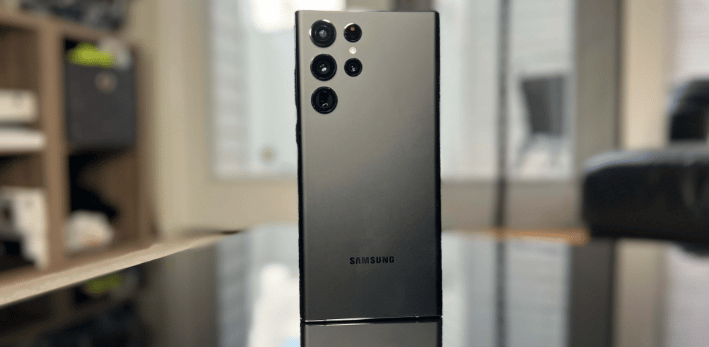
Smartphones are like an extension of your brain these days. They hold your calendar, contacts, to-do lists, and more. You rely on them to stay connected with your loved ones, work, and the world around you. Given how important they are to our everyday lives, it’s no surprise that we want to keep them up-to-date. After all, who wants to be stuck with an outdated phone when everyone else has the latest model?
Interestingly, though, there’s more to keeping your smartphone up-to-date than just having the latest operating system version. One of the most important things you can do is keep your apps up-to-date. To do this, simply open the “Play Store” on your Android device or the “App Store” on your iPhone and tap the button to update your apps. It’s quick, easy, and can help you avoid problems down the road.
In addition to updating your apps, you’ll also want to keep an eye out for system updates to your smartphone’s operating system. These are usually rolled out regularly, so you’ll usually find one waiting for you the next time you connect your device to WiFi.
Computers

If you use a computer for work or play, you must keep it up-to-date. Otherwise, you risk having compatibility problems with files and applications, which can make your life difficult when trying to get things done. Luckily, most modern operating systems will automatically alert you when updates are available for your computer. To ensure you don’t miss these alerts, go into your computer’s settings and turn on notifications for updates.
Depending on your operating system, this may be called “system updates” or something similar. Once your computer has been updated, it will likely restart to finish installing the changes. Don’t worry – this usually only takes a few minutes, and you will be free to get back to your work or entertainment as soon as the screen turns on.
If you want to go the extra mile to keep your computer up-to-date, you can also check for updates regularly. Many operating systems let you schedule system updates so that they will automatically install at a time when you won’t need the computer’s full power or resources. Simply go into your settings and look for an option such as “Schedule updates” or “Set automatic updates.”



