Do you find yourself constantly having your phone battery running out of power? If so, you’re not alone. Most people have to deal with this issue at some point or another. Thankfully, there are ways to extend your phone’s battery life without making a lot of changes or compromises. Whether you’re looking to save some battery life for emergencies or want to avoid having your phone die on you during the day, these tips will help you out. So read on to learn how to extend your phone battery life.
Contents
Common Reasons Your Phone Battery Dies Quickly
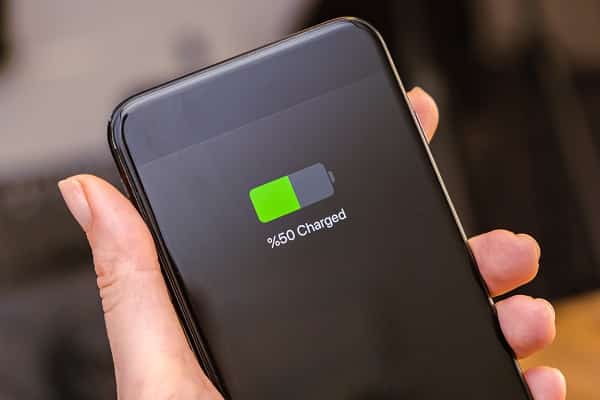
There are a few common reasons your phone battery might die more quickly than you’d like. One reason is that your screen brightness is set too high. A bright screen uses more battery power than a dim one. Another reason is that your phone is running many apps in the background. When apps run in the background, they’re using up battery power even when you’re not actively using them.
Finally, if your phone is older, the battery might be weaker than it used to be and unable to hold a charge as long as it used to. The good news, however, is that these common reasons and other factors that contribute to quick battery drainage are all fixable.
Tips To Extend Your Phone’s Battery Life
Often, it can be hard to nail down precisely what is causing your phone battery to die so quickly. However, some general tips you can follow will help you extend your battery life no matter the cause. Here are some tips to follow:
Reduce Your Screen Brightness

Did you know that reducing screen brightness can help extend your phone’s battery life? It’s true! You can help your phone last longer between charges by making a few simple adjustments. One way to reduce screen brightness is to adjust the settings in your phone’s display menu. You can usually find this menu in the settings app. Look for an option that says “Brightness” or “Screen Brightness.” From there, you can drag the slider up or down to set the perfect brightness level for your needs.
Another way to reduce screen brightness is to enable automatic brightness. This feature uses sensors to detect the amount of light in your environment and adjust the screen accordingly. Many phones have this option turned off by default, so you may need to dig around in the settings menu to find it. Once you’ve found it, it’s just a matter of turning it on.
With automatic brightness enabled, you’ll never have to worry about manually adjusting your screen brightness again. So there you have it: two easy ways to reduce screen brightness and extend battery life. Give them a try today!
Only Use Fast Charging When You Have To
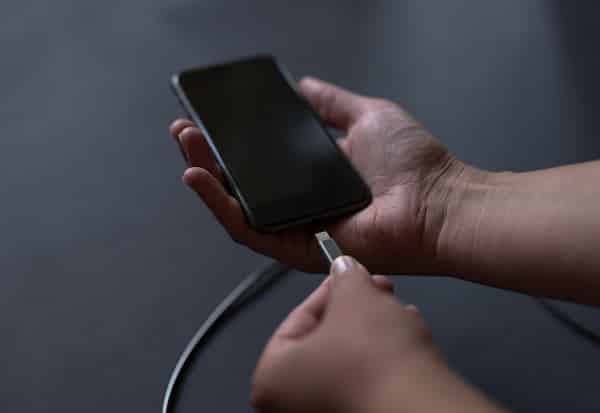
When it comes to phone battery life, one of the best things you can do is only to use fast charging when you need to. Fast charging can be incredibly beneficial when your battery is low and you need a quick boost, but it can also strain your battery over time. If you can, charge your phone slowly overnight, or during the day, so you don’t have to rely on fast charging.
Fast charging can sometimes cause your phone to overheat, which can lead to all sorts of problems. So if you want to keep your phone in tip-top shape, it’s best to charge it slowly and only use fast charging when needed. Not only will this help to extend the life of your battery, but it will also help keep your phone running at its best.



