Are you worried about viruses on your computer? You should be! A single virus can cause a lot of damage to your system and even result in the loss of important data. In this article, you will find some different ways to keep your computer safe from viruses. It will also provide helpful tips on handling a virus that gets onto your computer. Follow these tips, and you can rest assured that your computer is safe from harm!
What Is A Computer Virus?

A computer virus is a malicious code or program designed to replicate itself and spread from one computer to another. Viruses typically spread by attaching themselves to files or emails that are sent to other users. Once a virus has infected a computer, it can start replicating itself and spreading to other computers.
Some viruses are harmless, while others can cause significant damage to your computer and data. In some cases, viruses can even allow attackers to take control of your computer and access sensitive information. However, there are several ways that you can protect your computer from viruses.
Ways To Keep Your Computer Safe From Viruses
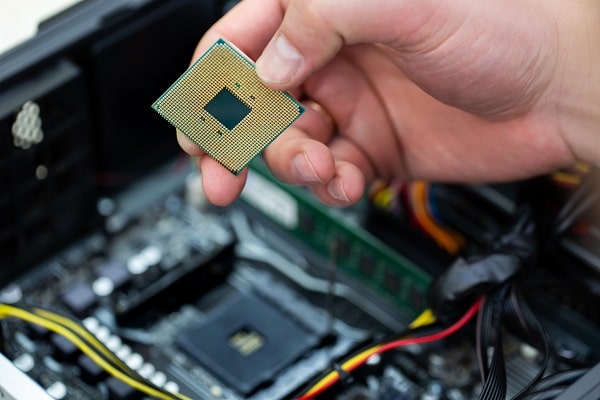
The idea of getting a virus on your computer can be scary. However, there are several things that you can do to protect your computer from viruses. Some of the different ways that you can keep your computer safe include:
Install Antivirus Software
When browsing the internet, your computer is susceptible to picking up viruses. There are all sorts of malicious software, and if you’re not careful, you could end up with a serious infection. Fortunately, there are steps you can take to protect your computer. One of the most effective is to install antivirus software.
Antivirus programs work by scanning your computer for suspicious activity and flagging anything that looks like it could be a virus. They then either remove the threat or quarantine it so it can’t do any damage. By running regular scans, antivirus software can help keep your computer safe from viruses.
Be Aware Of What You Download
It’s no secret that the internet can be a dangerous place. Viruses, malware, and other online threats are becoming increasingly common and can have severe consequences for your computer. Many viruses are spread through malicious software masquerading as something harmless, like a free game or a program update. That’s why it’s important to know what you’re downloading before clicking that “Confirm” button.
Being careful about what you download can help protect your computer from these dangers. Pay attention to the source of the file, and make sure you trust it before starting the download. And if you’re ever in doubt, there’s no harm in running a quick virus scan before you install anything new on your system. Taking these simple precautions can help keep your computer safe from harm.
Create A Strong Password For Each Website
When it comes to protecting your computer from viruses, a strong password is your best defense. Creating a unique password for each website can make it difficult for hackers to gain access to your system. Furthermore, by combining letters, numbers, and symbols, you can create a password that is virtually impossible to crack. Additionally, by changing your password regularly, you can further increase the security of your system.
While it may seem like a lot of work to create and remember multiple passwords, the effort is well worth it compared to the cost of dealing with a virus. So take the time to create strong passwords for all your online accounts, and rest assured knowing that your computer is safe from harm.


