Losing your iPhone can be a frustrating and stressful experience. Whether it’s fallen between the couch cushions or left behind at a restaurant, it’s easy to feel anxious about your phone’s whereabouts. Thankfully, Apple has built a variety of tools and features to help users locate their devices quickly and easily. From using the built-in Find My app to setting up location alerts, there are plenty of ways to keep track of your iPhone. This post will walk you through the most effective strategies for ensuring your phone never goes missing for long and provide you with peace of mind.
Using the ‘Find My’ App
The ‘Find My’ app is Apple’s primary tool for tracking lost devices and is one of the most reliable ways to locate your iPhone. This app uses your Apple ID to connect with your device and display its location on a map, giving you real-time information about where your iPhone is. To take full advantage of this feature, it is important to ensure that the ‘Find My’ app is enabled on your phone beforehand. The app’s functionality is integrated with iCloud, which allows you to track your iPhone from any device with an internet connection.
Setting up the ‘Find My’ app is simple, and it can be done in just a few steps. First, go to your iPhone’s settings and tap on your Apple ID at the top of the screen. From there, select “Find My” and make sure the app is activated. Once enabled, the app can help you locate your phone, even if it’s powered off or in airplane mode. You can also use Lost Mode to remotely lock your iPhone and display a message with contact information for anyone who finds it.
Setting Up Family Sharing for Device Tracking

Family Sharing is another useful feature that allows you to keep track of your iPhone, especially if you’re part of a household with multiple Apple devices. With Family Sharing, you can share your location with family members, making it easier for someone else to help you find your phone if it’s misplaced. This feature is particularly useful for parents who want to monitor their children’s devices or for couples who share responsibility for tech management. By enabling Family Sharing, you create a safety net that extends beyond your personal device.
Setting up Family Sharing is straightforward and enhances the convenience of tracking across devices. To begin, go to your iPhone’s settings and tap on your Apple ID. Select “Family Sharing” and follow the prompts to add family members to your group. Once they’ve accepted the invitation, you can share locations between devices, making it easier to find a lost iPhone. Family members can use the ‘Find My’ app to help locate each other’s devices, providing peace of mind and an extra layer of security.
Using Third-Party Tracking Apps
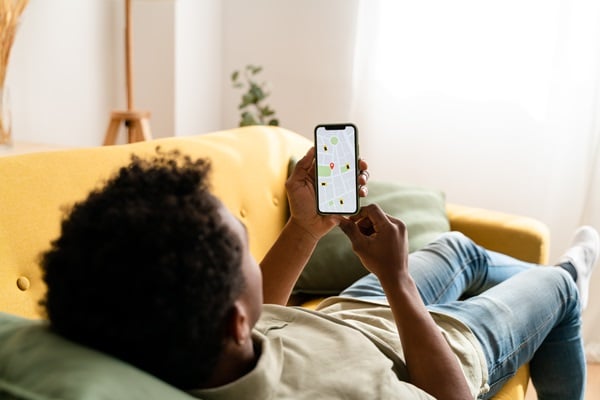
While Apple’s tools are robust, there are also third-party apps that can help you track your iPhone. Apps like Life360, Tile, and GPS Phone Tracker offer additional features that may complement or enhance the ‘Find My’ app. These apps often come with benefits such as cross-platform compatibility, which can be especially useful in households where not everyone uses an iPhone. Third-party apps can provide more detailed tracking information and are sometimes preferred for their user-friendly interfaces and extra features like group location sharing.
Choosing the right third-party app depends on your specific needs and preferences. When selecting an app, consider factors such as ease of use, accuracy, and privacy. Some apps offer free versions with limited functionality, while others may require a subscription for advanced features. It’s important to download apps from trusted sources to protect your personal data. Setting up these apps typically involves creating an account, granting location access, and following the app’s instructions to begin tracking your iPhone.