In the digital age, your PC is a central hub for work, entertainment, and communication. However, just like any sophisticated tool, it requires regular maintenance to perform at its best. Neglect can lead to sluggish performance, reduced productivity, and even costly repairs. This guide offers essential tips for maintaining your PC’s performance, covering everything from software updates and startup optimization to hardware cleaning and malware protection. Follow these expert tips to keep your computer running smoothly and efficiently, ensuring it remains a reliable asset in your daily life.
Contents
Understanding Your PC’s Needs

It’s vital to recognize the signs of a PC lagging in performance. Common indicators include slow boot times, frequent application crashes, and sluggish response rates. By understanding these signs, users can take preemptive measures to mitigate more severe issues. Tailoring your maintenance strategy according to how you use your PC—whether for gaming, professional tasks, or casual use—ensures that the performance enhancements are noticeable and relevant to your needs.
Different users will experience different issues based on their PC usage habits. For instance, gamers might face graphic-intensive program slowdowns, while professional users may suffer from software bloat due to numerous business applications. Identifying personal usage patterns allows for more focused and effective maintenance, thus optimizing your PC’s performance tailored to your requirements.
Keeping Software Updated
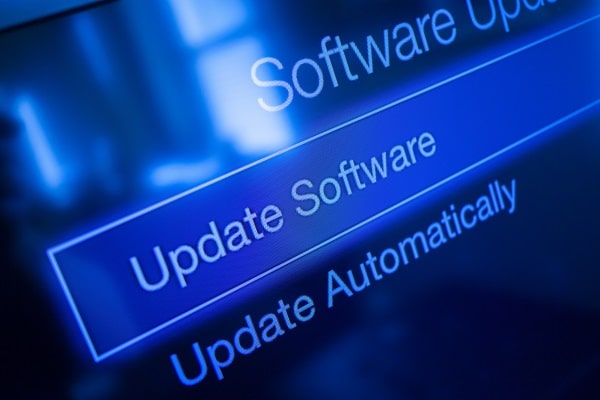
Regular updates are crucial for maintaining PC performance and security. Updates often include patches for security vulnerabilities and enhancements that improve the efficiency of software and operating systems. Users should prioritize installing these updates when they become available to protect and optimize their systems.
To simplify the process, it is highly recommended that automatic updates be set up. This ensures that software remains up-to-date without requiring regular user intervention. Automatic updates can be configured through system settings, which help maintain the PC without regular monitoring, allowing users to enjoy uninterrupted and optimized computer performance.
Optimizing Your Startup

A slow startup can be a major inconvenience and indicate potential issues. Effectively managing startup programs can drastically reduce boot times and improve overall system efficiency. Users can access the task manager or system configurations to disable unnecessary applications that launch on startup.
By streamlining the startup process, the boot time is reduced, and the overall system health is improved, with fewer applications running in the background. This optimization leads to quicker access and smoother operation, which is particularly beneficial for those requiring quick system readiness, such as in professional environments.
Regular Cleaning of Hardware
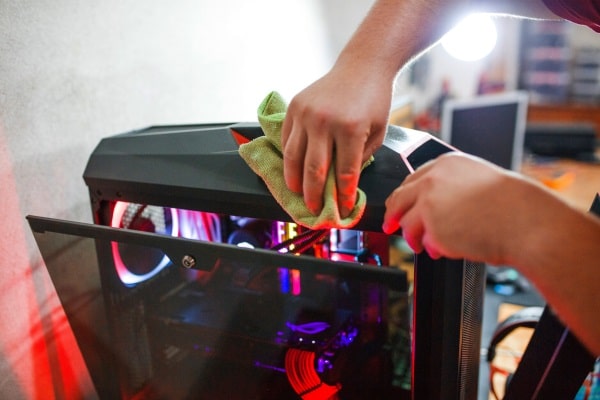
Physical maintenance of your PC is as important as software upkeep. Dust accumulation can lead to overheating, which potentially damages internal components. To keep the hardware in good condition, the keyboard, monitor, and internal components should be regularly cleaned using appropriate tools like compressed air and microfiber cloths.
Preventing overheating extends the hardware’s life and maintains performance levels. Ensuring that the computer’s vents are not blocked and reside in a cool, ventilated area can prevent thermal throttling, which occurs when PCs overheat, causing them to slow down to reduce temperature.